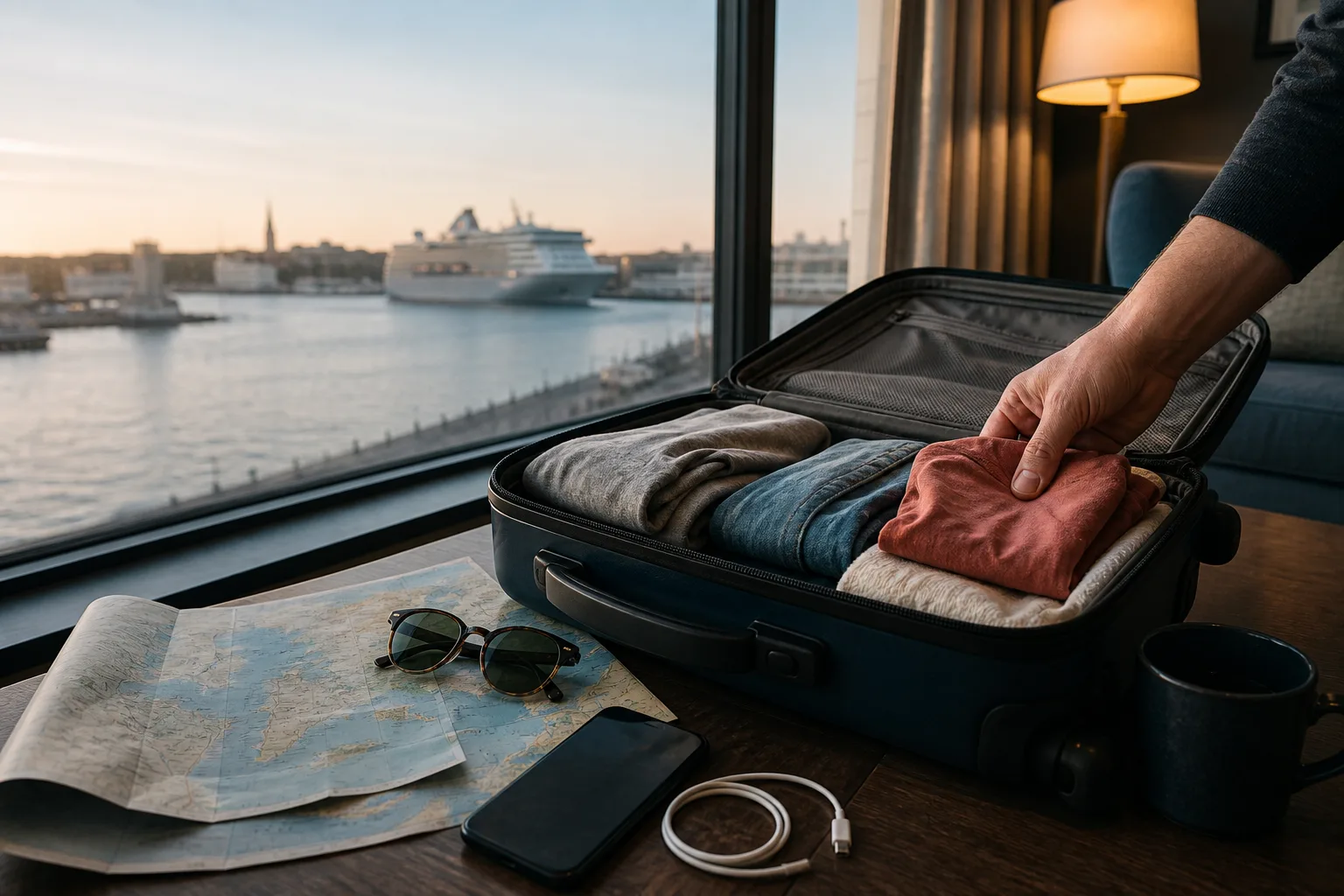
Cruise chat and offline port guides, ready before you sail.
Keep nearby family and friends in touch, plan your cruise stops and play offline on Android, without an Ahoy There chat account or an internet chat server.
Android · Install before sailing · No Ahoy There chat account
Three parts of the voyage
One companion from deck to destination.
Cruise Chat
Exchange private group messages with compatible nearby Android phones using available local radios.
Port Guides
Prepare embarkation ports and the destinations you visit, then keep owned guides available ashore.
Games and trivia
Play quick games on the device and explore reviewed trivia connected to included or owned destinations.
Prepare once, use it throughout the cruise
How Ahoy There fits the journey.
01
Install before sailing
Use a reliable connection at home or in the terminal. Open the app, check the ports on your itinerary and prepare the guides and maps you want before ship internet becomes slow or expensive.
02
Create or join the private group
Choose the shared group name and four-digit passkey. Share those details directly with your own family or friends so nearby compatible phones can join the right room without an Ahoy There account.
03
Build the shore-day plan
Use Port and My Trip to organise stops, review berth or tender realities and protect the return-to-ship margin. Included and owned guides stay on the phone.
04
Use local communication when practical
Ahoy There selects genuinely ready local transport between nearby devices. Delivery still depends on distance, walls, decks, radio conditions and where the group happens to be.
What works offline
Useful without a cruise internet package.
Included and owned port guides already on the phone
Saved itinerary and My Trip planning
Quick Quiz, Four Ahoy, Pirate Catch and available destination trivia
Local messages between compatible nearby Android phones when a supported transport is genuinely available
Selected photos and documents shared through Android’s system pickers
What Ahoy There cannot promise
Honest limits are part of the product.
Continuous whole-ship coverage through steel decks and distance
Guaranteed delivery when phones are out of useful radio range
Internet messaging to friends or family at home
Emergency, medical or time-critical communication
An iPhone release: Android is the released platform today
Know what you are preparing
Included guides, optional Port Packs and Family Chat.
Starter Port Guides
Twenty-five major cruise departure ports are included as full offline guides, covering embarkation and disembarkation planning as well as practical arrival context.
Port Packs
Twelve optional regional Port Packs unlock 147 further full destination guides for ports visited during the cruise. The website keeps a substantial preview public; the app holds the fuller offline plans and places.
Family Chat
The optional Family upgrade adds larger groups, extended catch-up, shared events and synchronized nearby Group Quiz. Google Play and the app show the current purchase terms before any decision.
Privacy and permissions
Nearby access has a practical purpose.
Android’s Nearby Devices permission lets compatible phones discover and communicate locally. Older Android releases can require Location permission for Wi-Fi Direct discovery even though Ahoy There does not use GPS to track your physical location.
Photos and documents are chosen through Android system pickers, so the app receives access to the items you select rather than broad storage access. Ahoy There has no internet chat account, no advertising profile and no website tracking cookies.
It does not need an Ahoy There internet chat server or a paid ship internet package for local chat. Phones still need a usable local radio path, which may be local Wi-Fi, Wi-Fi Direct or Bluetooth.
Does it work in airplane mode?
It can work when the required local radios and Android permissions are enabled. Airplane-mode behaviour varies by phone, so enable the local connections you intend to use and test the group before departure.
How far does chat reach?
There is no honest fixed distance. Steel, cabins, lifts, decks, crowds and radio interference all change practical range. Messages can catch up when compatible devices return to useful proximity.
Do all phones need the app?
Yes. Each participating Android phone needs Ahoy There and the same private group details. The app cannot deliver a local message to somebody who has not joined.
Can it work across different decks?
Sometimes, but never as a guarantee. A ship is a difficult radio environment; use chat for ordinary coordination and always follow the ship’s official channels for important instructions.
What happens out of range?
The phone retains eligible local history and Ahoy There can exchange missed group content when the devices reconnect through a compatible path. It must not be treated as a guaranteed delivery service.
Is it available on iPhone?
Not as a released product today. Ahoy There is currently available for Android; do not plan a mixed-platform group on the assumption that an iPhone release exists.
What should I download before boarding?
Install the app, open the destinations on your itinerary, prepare any owned guides and separate offline maps, confirm the group name and passkey, then test with every participating phone.
Ready before you sail
Take your cruise, chat and port guides offline.
Install Ahoy There on Android before departure so your group, plans, games and owned destination guides are ready when internet access is not.