

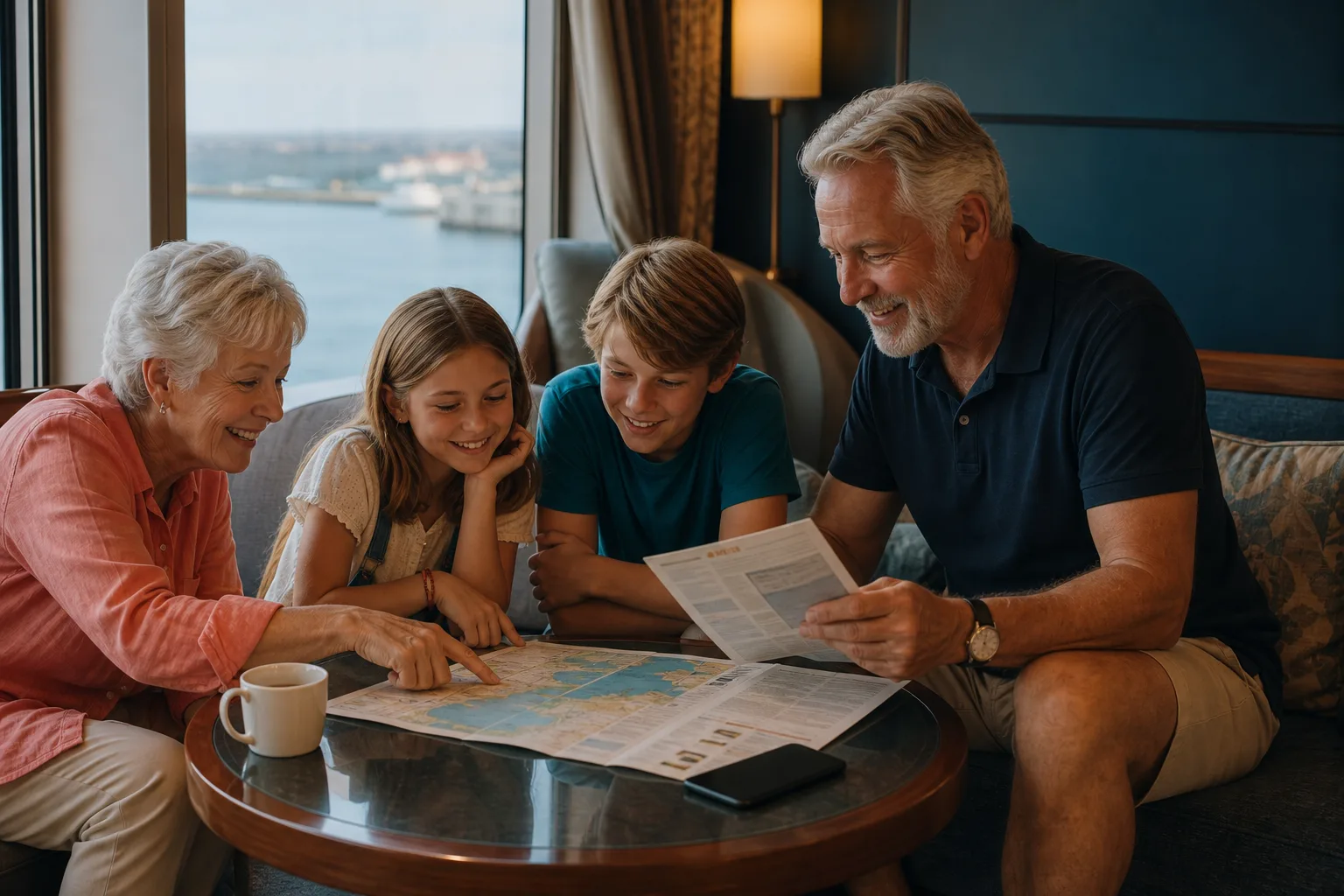
A family planning their cruise day together in a warm ship lounge

Explore, play and stay together

One family cruise app for the moments between plans.

Bring family cruise chat, shared plans, offline destination guides and games together in Ahoy There for Android.

Get it on Google Play

Story 01

Keep the group organised nearby

Use local cruise chat for everyday meeting points and changes of plan. Shared events can hold dinner bookings, meeting times and shows without turning the holiday into another online account.

Family Chat is an optional upgrade for larger groups, extended catch-up and synchronized family quiz play.

A family chatting together on an open cruise-ship deck at dusk
A quiet hammock overlooking turquoise water on a tropical shore

Story 02

Plan shore days at the family pace

Port guides include walking, timing, booking, accessibility and return-risk context. That makes it easier to choose one achievable family day instead of an overfilled checklist.

Story 03

Entertainment for the gaps

Quick Quiz, Four Ahoy, Pirate Catch and synchronized Group Quiz give the group something to do during terminals, queues, cabin time and quieter sea-day moments.

The colourful Ahoy There games island surrounded by tropical water

The useful detail

Keep the family holiday moving without turning it into another admin project.

A simple private group for the people travelling together

A family can agree a memorable group name and four-digit passkey before sailing. Compatible nearby Android phones use the same details to join the intended room without creating an Ahoy There account. That makes setup easier across parents, grandparents, teenagers and friends travelling as one party.

The free private room is intentionally small. Family Chat is the optional upgrade for larger groups, extended catch-up and shared family features. The website does not invent a price or hide the distinction: Google Play and the app show the current purchase terms before anybody decides.

Shared plans that support the holiday

Dinner, a show, a shore excursion and a meeting point are easier to remember when the group can keep shared events together. The aim is not to reproduce a work calendar at sea. It is to reduce repeated questions and give admitted family members one local reference when plans change.

Local delivery still depends on range. Agree the essential plan while everybody is together, then use chat and events for ordinary coordination. If a message absolutely must reach somebody, find them or use the ship’s official contact options rather than assuming a local radio path exists.

Port days at a realistic family pace

Families rarely move at the speed suggested by a map. Buggies, toilets, snack stops, heat, cobbles, tender queues and tired legs all consume time. The port previews include a specific family note, while the complete guide adds more places and plans that can be judged against the group’s real energy.

Choose one main experience, identify an easy fallback near the arrival point and protect the return margin. My Trip keeps the chosen destinations together so the family can prepare before the cruise rather than negotiating every possibility at the gangway.

Games for queues, cabins and quieter moments

Quick Quiz, Four Ahoy, Pirate Catch and destination trivia turn small gaps into shared holiday moments. Core play stays on the device, so a queue or quiet cabin does not need to become another demand for ship internet.

Family Chat can synchronize Group Quiz for admitted nearby room members. It uses the same local room boundary as chat; it is not a public online lobby. Age suitability depends on the game and the questions selected, and adults remain responsible for choosing what works for their group.

Before you sail

Straight answers to sensible questions.

What is available in the free private room?

The free experience supports a small private room for nearby chat. Family Chat adds larger groups, extended catch-up, shared events and synchronized nearby Group Quiz.

Can children be tracked around the ship?

No. Optional presence hints are not GPS tracking and do not reveal a person’s location. Ahoy There must not replace supervision or the ship’s safety procedures.

Can relatives at home join?

Not through Ahoy There local chat. It has no internet chat server and is designed for compatible nearby Android phones travelling together.

When should the family set it up?

Before sailing, while every phone has a reliable connection and the group can test the shared name, passkey and Android permissions together.

Ready before you sail

Take your cruise, chat and port guides offline.

Install Ahoy There on Android before departure so your group, plans, games and owned destination guides are ready when internet access is not.

Get it on Google Play