
Luggage and a cruise itinerary prepared beside a harbour before sailing

How Ahoy There works

Ready before the ship leaves signal behind.

See how to prepare Ahoy There before sailing, create a nearby cruise chat, save destination guides and use its offline planning and games.

Get it on Google Play

Story 01

1. Install before departure

Install Ahoy There from Google Play while you have a reliable connection. Add your cruise stops, open the guides you expect to use and download any separate offline maps you want.
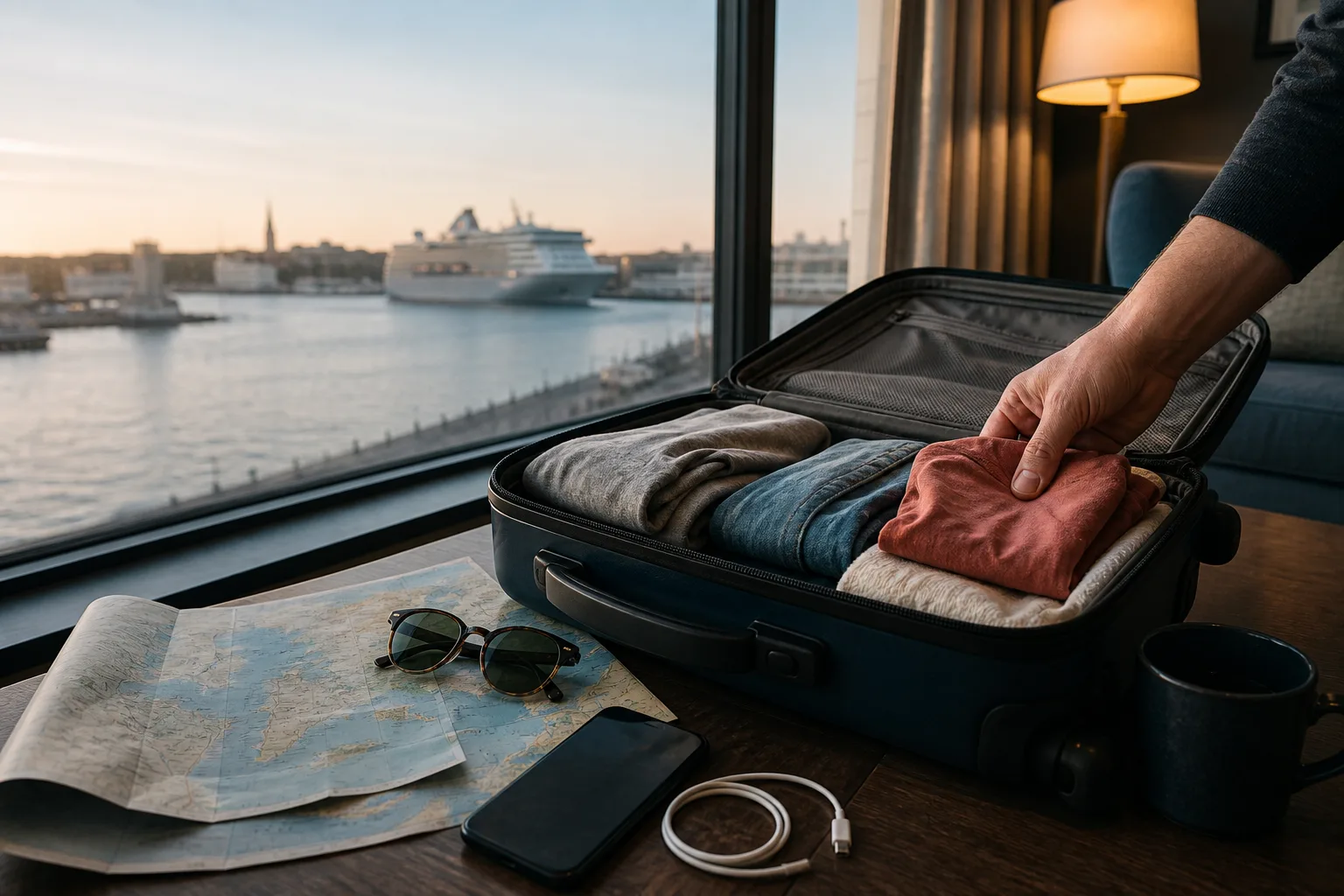
Luggage and a cruise itinerary prepared beside a harbour before sailing
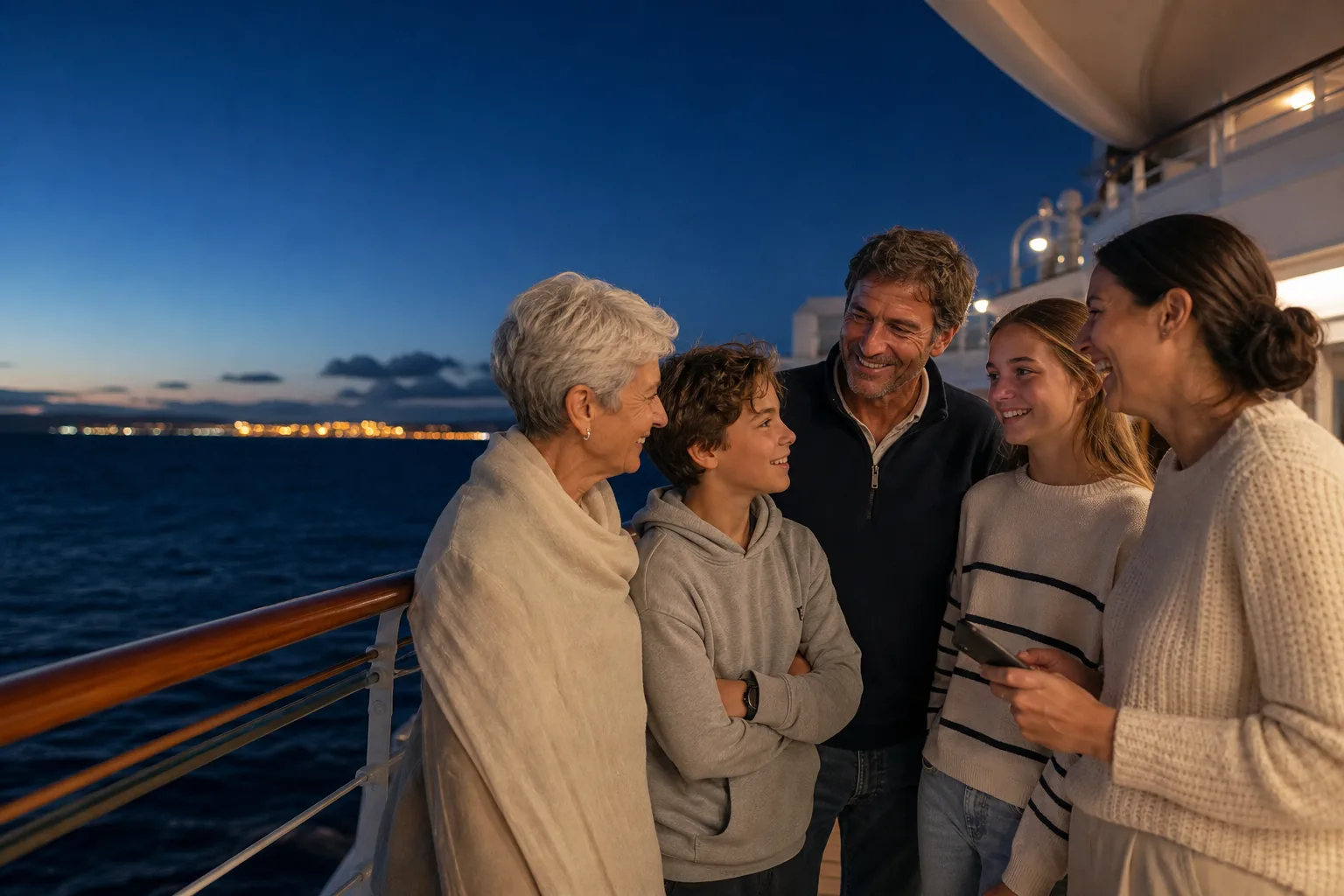
A family chatting together on an open cruise-ship deck at dusk

Story 02

2. Create or join your cruise group

Choose a shared group name and four-digit passkey. Nearby compatible Android phones use those details to discover and admit the correct group without an Ahoy There account.

Story 03

3. Explore, plan and play offline

Use owned port guides, saved places, My Trip and offline games when internet access is unavailable or expensive. Local message delivery still depends on range, radio conditions and the ship layout.

A tropical cruise destination viewed across calm water

The useful detail

Prepare the useful parts before departure, then let the holiday take over.

Start with a reliable connection on shore

Install Ahoy There from Google Play before sailing. Open the app, allow the nearby permissions it explains and visit the port destinations on your itinerary. If you want separate offline maps, download those from your chosen map provider at the same time.

Preparation matters because cruise internet can be expensive, congested or unavailable at exactly the moment a family is trying to organise. A few calm minutes at home are worth more than hurried setup in a terminal queue.

Give every participating phone a normal practical check too. Charge it, confirm there is enough free storage for the guides and selected attachments, and pack the charging cable or power bank you already trust. Offline preparation is most valuable when the device itself is ready for a long port day.

Agree the group details face to face

Choose a memorable group name and four-digit passkey, then enter the same details on every compatible Android phone. Share them directly with the people travelling together. A private group is lightweight shared access, not an identity check, so do not publish the passkey.

Test one ordinary message while the group is together. That confirms the phones have the app, the same room details and the required permissions. It also gives everybody a chance to recognise the chat screen before a busy sea day.

Prepare each cruise stop in My Trip

Use the Port catalogue to find the embarkation ports and destinations on the sailing. Review whether the ship is likely to dock centrally, use a shuttle or tender ashore, then save the places and plans that match the time and energy available.

The included and owned complete guides remain useful offline once on the phone. Public web previews help with discovery and comparison; the app carries the richer decision detail into the port day.

Use local features within their real limits

On board, Ahoy There can exchange local group content when compatible devices have a genuinely ready path through local Wi-Fi, Wi-Fi Direct or Bluetooth. It does not need an Ahoy There internet chat server, and on-device games do not need a remote game service.

A ship remains a difficult radio environment. Steel, distance, doors, crowds and phone settings all affect results. Use the app to make ordinary coordination easier, while relying on agreed meeting points and official ship communication for anything urgent or safety-related.

Before you sail

Straight answers to sensible questions.

What should I do before boarding?

Install the app, allow the explained nearby permissions, prepare destinations and offline maps, agree the private group details and test with every participating phone.

Does Ahoy There create an online account?

No internet chat account is required. Group details and relevant history are held locally on the participating phones.

Will every feature work everywhere on the ship?

No. Offline guides and on-device games remain available, but local communication depends on useful radio range and conditions.

What should never depend on Ahoy There?

Emergency communication, medical help, safety instructions, a final all-aboard deadline or any message that absolutely must be delivered.

Ready before you sail

Take your cruise, chat and port guides offline.

Install Ahoy There on Android before departure so your group, plans, games and owned destination guides are ready when internet access is not.

Get it on Google Play